
Starting from Excel
- Select the sheet that matches the template that you want to modify.
- In the presentaid ribbon, Click Template Manager
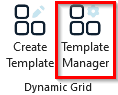
Template Manager Ribbon - Select the template which you want to change and click Modify Layout
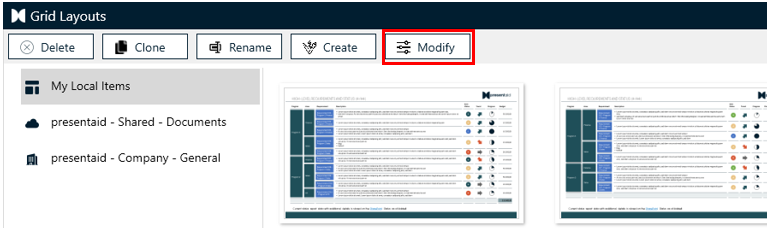
Modify - You are now back to the "Template Mode" and can change the Dynamic Grid
Adjust the source column mapping
When the structure of your Excel data has changed since a template was created - for example a column was renamed, removed or moved - the template's columns may no longer line up with the current sheet. presentaid lets you re-connect them in the Adjust Source Column Mapping dialog.
You open it from Excel:
- Select the sheet that holds your current data.
- In the presentaid ribbon, click Template Manager.
- Right-click the template you want to amend and choose Adjust source column mapping from the context menu.
For each of the template's columns (Current Source Column) you pick the matching column of the current XLS sheet under New Source Column. Columns framed in red are no longer available in the sheet and should be re-mapped; any row you leave unmapped simply keeps its current column name.
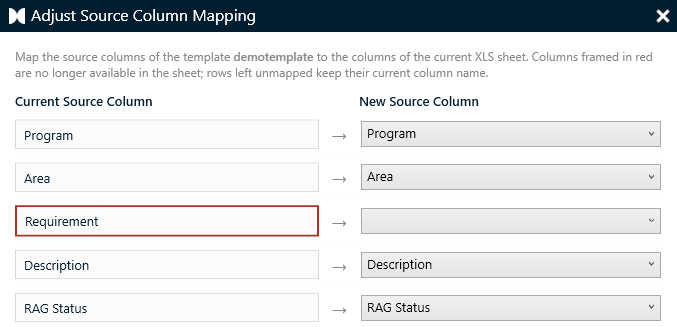
Once every column points to the intended column in your current Excel data, confirm the dialog and continue editing or rendering the grid as usual.