
Introduction
The presentaid Presentation Template Library allows you to store and use entire presentation templates. Whenever you start a new presentation, you can choose from your saved templates.

Save a Presentation
- Right click the slide sorter → Save Presentation in Template Library
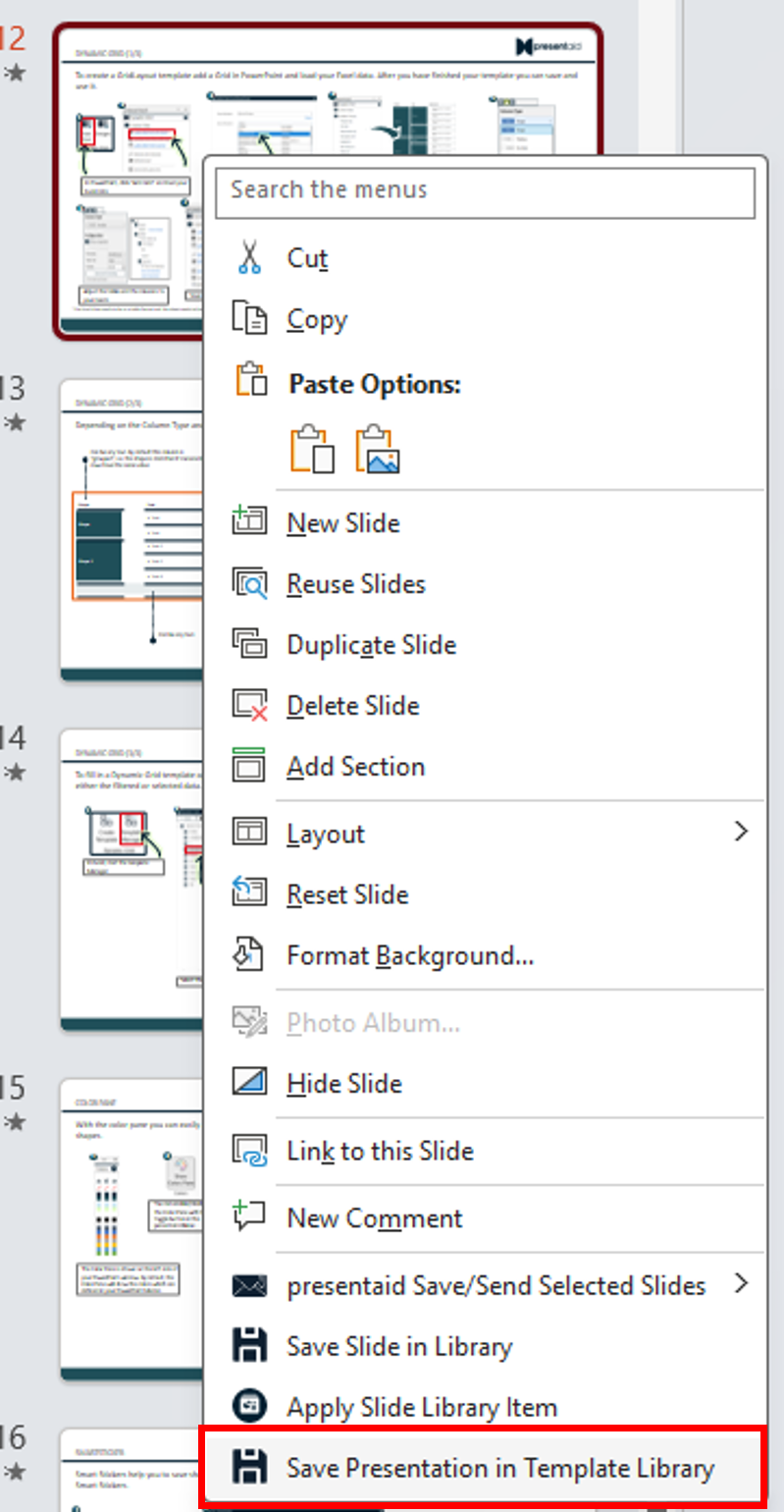
Context Menu - Provide a name and save your presentation template.
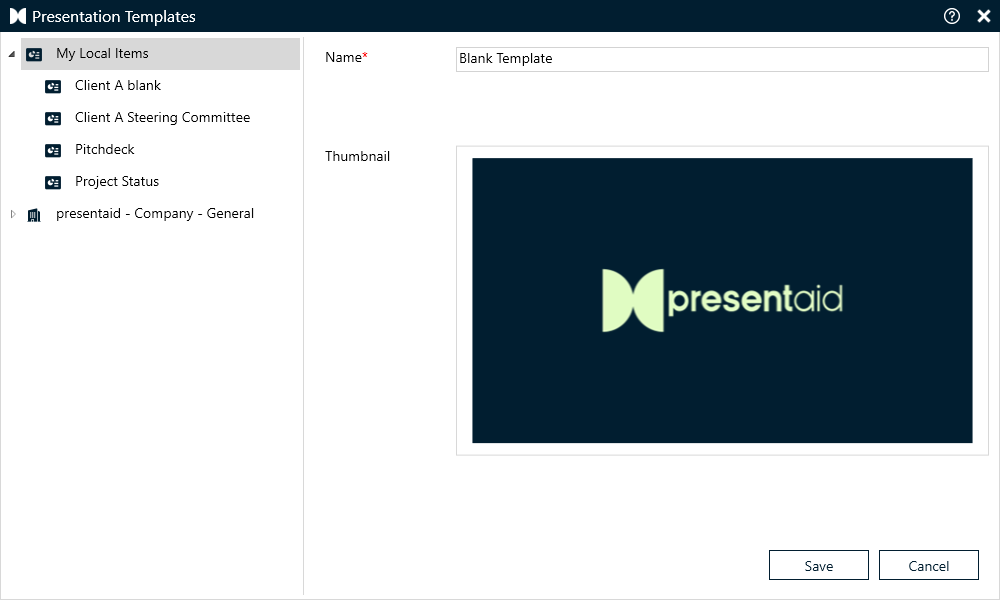
Save
Use a Presentation Template
By default, every time you start a new presentation in PowerPoint, the Presentation Template Library will pop up. You can disable this feature in the About pane.
Note: If you are part of an organization, this setting might be disabled and managed centrally by your organization.
Good to Know
- A template is saved with all its slides, so include the slides every new deck needs (e.g. title, agenda and closing slide).
- For single slides you reuse often, use the Slide Library instead.
- The same works for Word documents: How to Work with the Word Document Library