
presentaid installs per user in about two minutes and does not need administrator rights.
Requirements
- Windows 10 or later
- Desktop version of Microsoft Office: Microsoft 365 or Office 2007–2021
- .NET Framework 4.8 (usually already installed)
Note: There is no version for Mac, PowerPoint for the web or Google Slides.
Install presentaid
- Run the installer. It installs presentaid into your local user AppData folder.
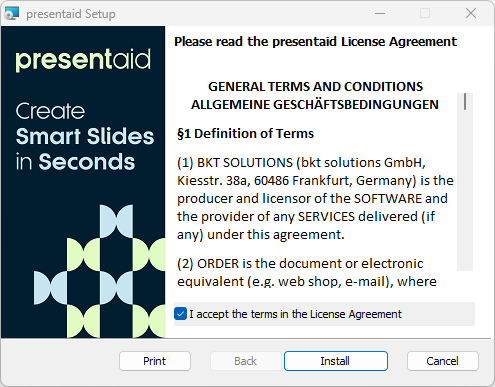
Installer - Open PowerPoint or Excel, or restart it if it was already open.
- When you first launch PowerPoint or Excel, enter your license key.
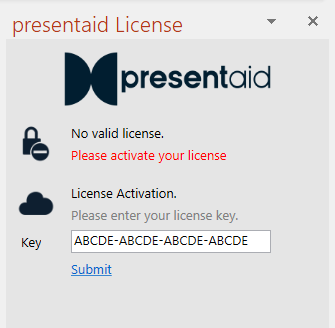
License Activation
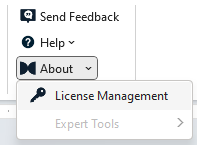
Note: If the license pane does not show up automatically, open it via the presentaid ribbon: About → License Management
The presentaid Tab Does Not Appear
- Close PowerPoint/Excel completely and start it again.
- If the tab is still missing, check whether Office has disabled the add-in: Troubleshooting: Add-ins are Missing in Office
Installing for Many Users
IT can roll out presentaid silently with the MSI package and pass the license key, a shared location and the update setting as parameters: Organization Wide Roll-out / Installation Parameters
After the Installation
- presentaid updates itself in the background: Updates
- Get to know the ribbon and the main features: First Steps