
Ausgehend von Excel
- Wähle das Blatt aus, das die Daten enthält, die du in PowerPoint anzeigen möchtest. Du kannst auch die Excel-Filterfunktion verwenden, um nach den Einträgen zu filtern, die du rendern möchtest.
- Klicke im presentaid-Ribbon auf Template Manager
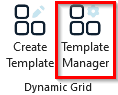
Template Manager Ribbon - Wähle das Template aus, das du befüllen möchtest, und entscheide, ob das Dynamic Grid auf einer neuen oder der aktuellen Folie gerendert werden soll und ob du die gefilterten oder die ausgewählten Daten rendern möchtest
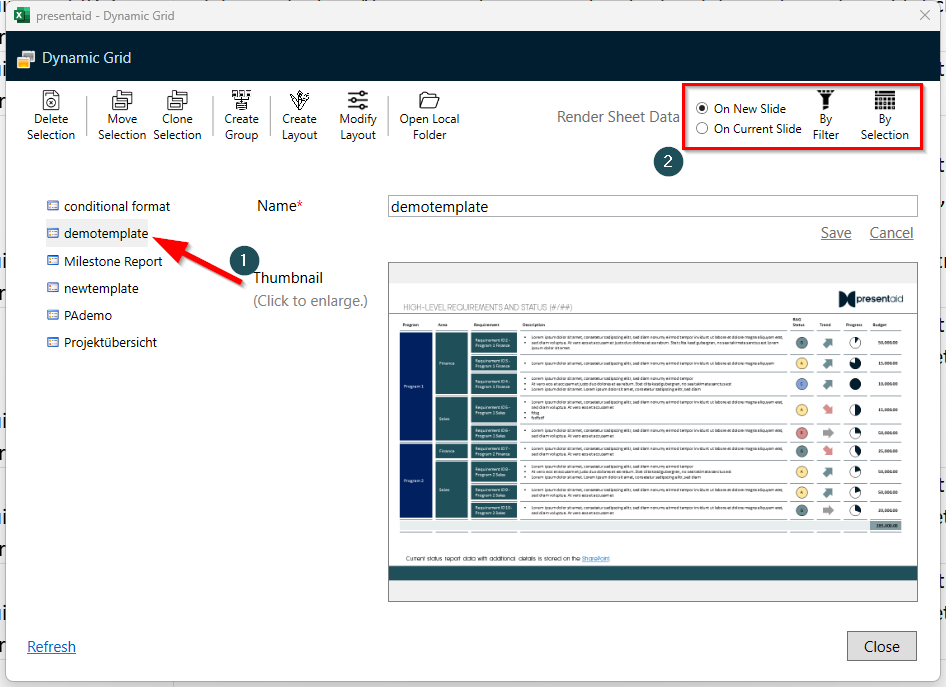
Template Manager