
Ein "Design" ist ein vordefinierter Satz von Stilen, der auf das gesamte Dynamic Grid angewendet werden kann. Das ist nützlich, wenn du mit verschiedenen Kunden arbeitest, die jeweils ihre eigene Corporate Identity haben. Designs helfen dir, das Erscheinungsbild deines Dynamic Grid einfach zu ändern.
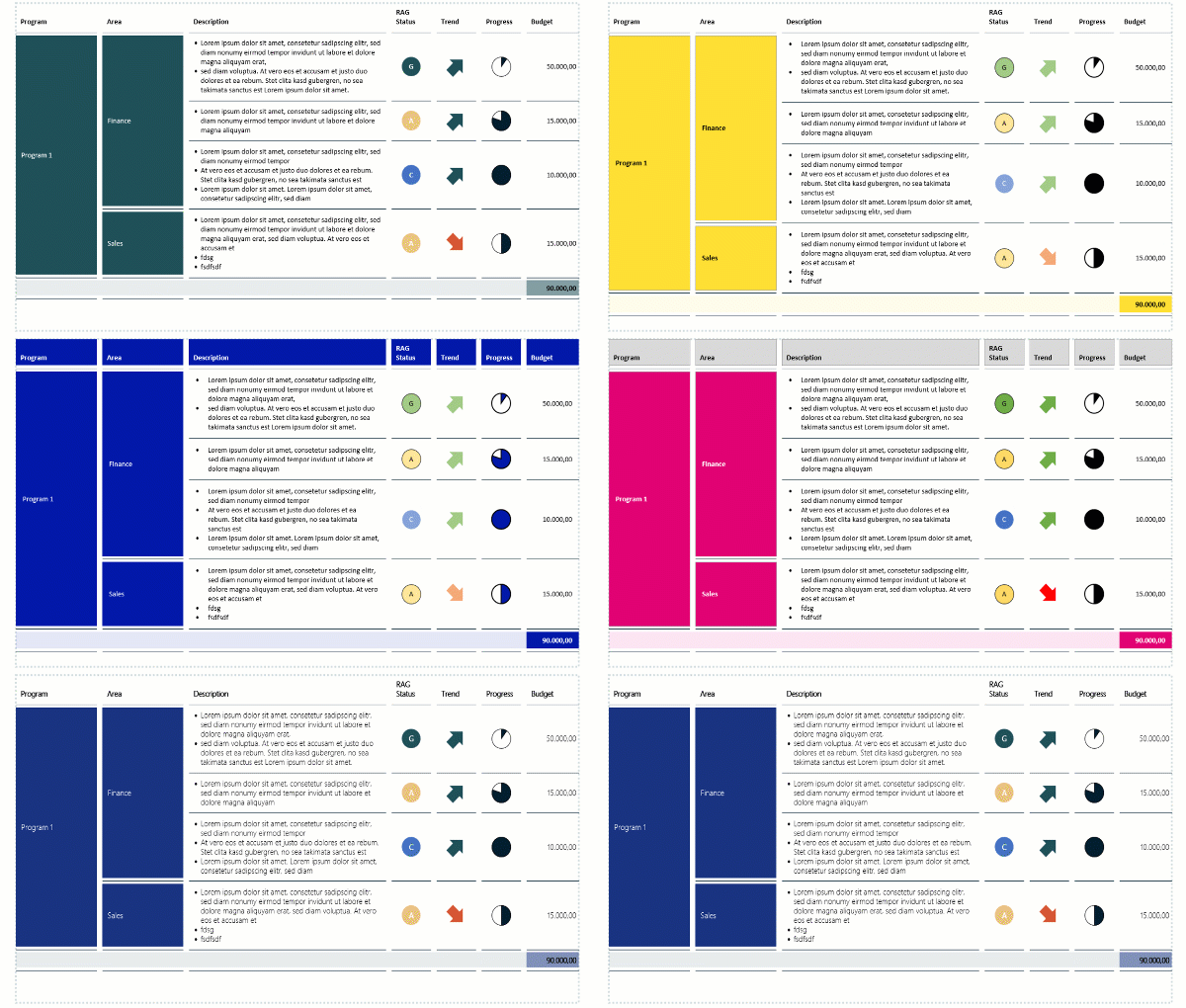
Um ein neues Design zu erstellen, folge den untenstehenden Schritten.
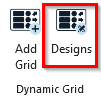
- Klicke im presentaid-Ribbon auf Designs
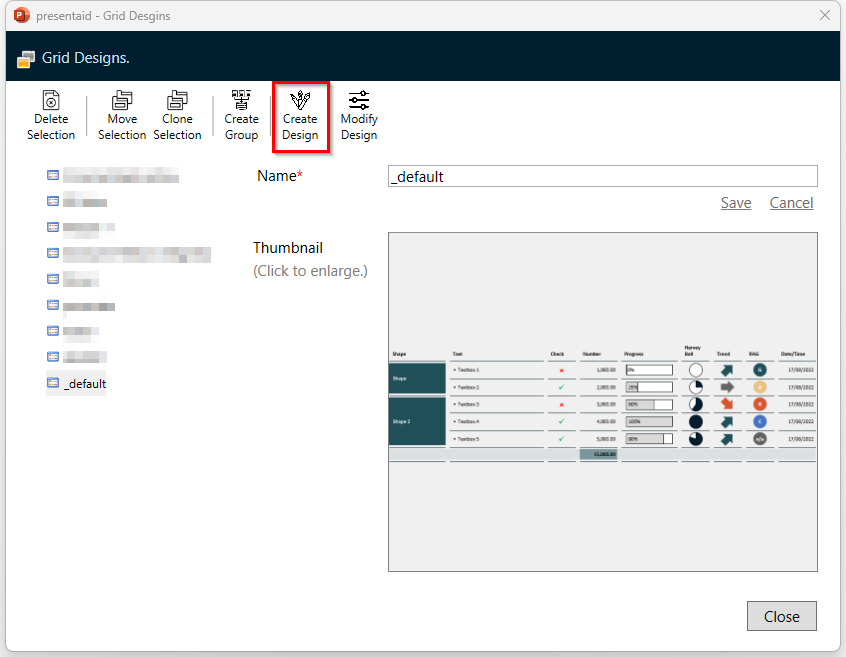
Designs Ribbon - Klicke auf Create Design
Create Design - Ein neues Design-Grid wird basierend auf deinem Standarddesign erstellt. Wende die Formatierung an, die du für dein neues Design benötigst.
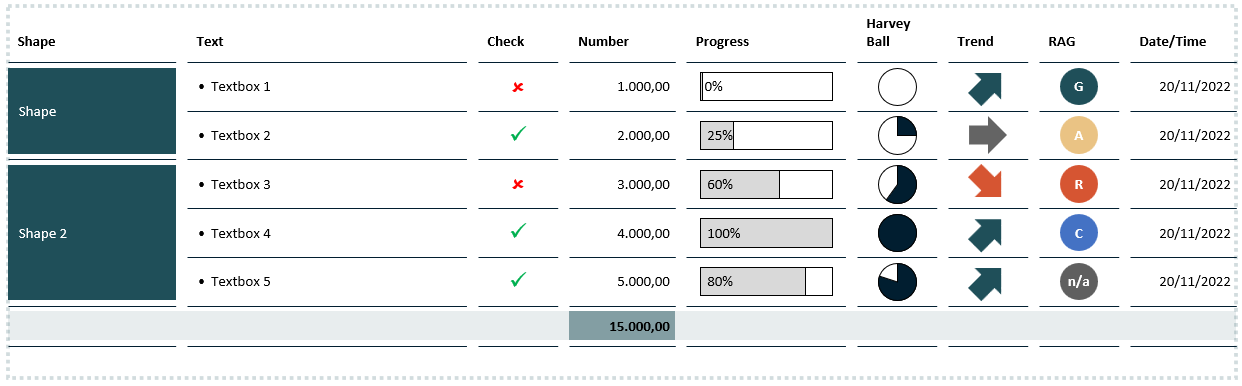
Design Edit - Sobald du mit der Formatierung fertig bist, klicke auf Save Design As
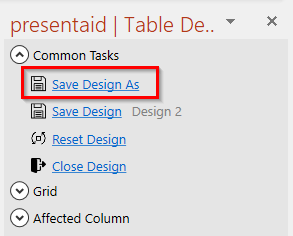
Save Design - Um den Design-Modus zu verlassen, klicke auf Close Design
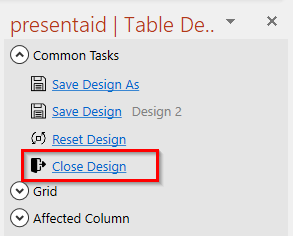
Close Design
Du kannst dein neu erstelltes Design jetzt auf deine Dynamic Grids anwenden.